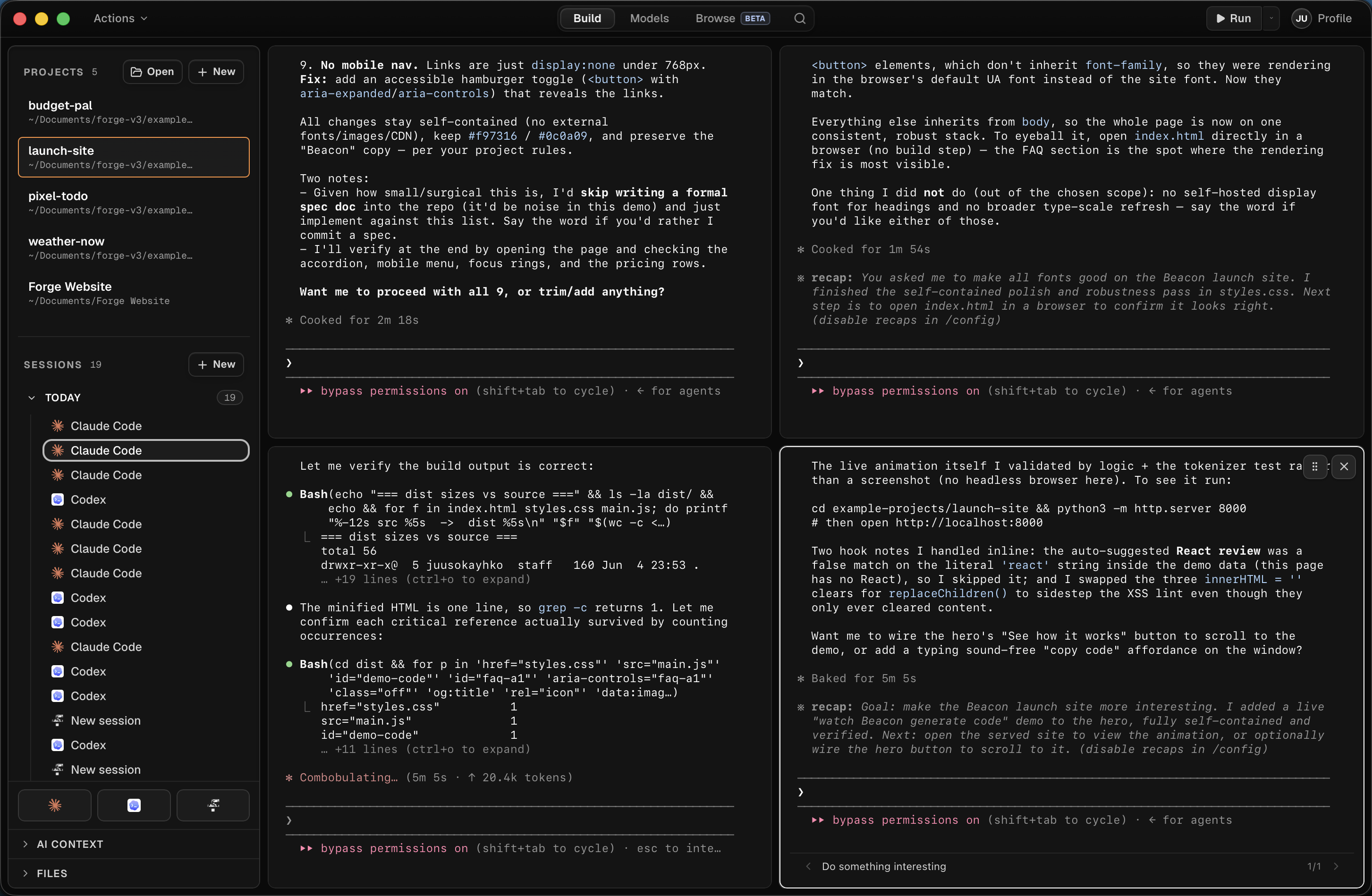
Four agents. One screen.
Spawn as many Claude Code or Codex sessions as your machine can carry. File-level locks prevent collisions.
118 -  if (!invoice.dueAt) return null;
119 +  const isOverdue = invoice.status === "past_due";
120 +  const ownerEmail = account.owner.email;

› add overdue invoice banner to account dashboard

● Read(src/routes/account/BillingPanel.tsx)
● Read(src/lib/billing/invoices.ts)
● Update(src/routes/account/InvoiceBanner.tsx)

✽ Checking billing edge cases… (thought for 4s)
  ✓ Hide banner for paid accounts
  ✓ Link billing owners to hosted invoice
  □ Add empty state copy for trial accounts

$ pnpm test billing-panel
✓ 8 tests passed in 2.9s
+  await importJobs.markComplete(batch.id);
72    await contacts.upsertMany(normalizedRows);
73    await auditLog.record("contacts.imported", batch.id);

› make CSV lead import resume after a network drop

● Read(src/lib/imports/csv.ts)
● Read(src/lib/imports/leadMapper.ts)
● Update(src/server/jobs/importLeads.ts)

Running pnpm test import-leads

test import resumes pending batch          ... ok
test duplicate email merges owner field    ... ok
test invalid rows stay downloadable        ... ok

3 passed in 1.18s

※ recap: Lead imports now checkpoint every 250 rows, preserve
  rejected CSV rows, and continue from the last confirmed batch
  after the worker restarts.
╭────────────────────────────────────────────────╮
│ >_ OpenAI Codex (v0.135.0)                       │
│                                                │
│ model:    gpt-5.5 xhigh   /model to change │
│ directory: ~/Documents/AtlasCRM                │
╰────────────────────────────────────────────────╯

› make customer search keyboard friendly and sync filters to the URL

● Plan
  ✓ audit current customer table focus order
  ✓ keep status, owner, and segment filters in search params
  ✓ add arrow-key navigation to quick results
  □ verify screen reader labels

● Editing
  src/components/customers/CustomerSearch.tsx
  src/routes/customers/index.tsx
  src/lib/urlFilters.ts

Updated search keeps selected filters shareable and restores
focus to the result row after closing the command menu.
Spawn as many Claude Code or Codex sessions as your machine can carry. File-level locks prevent collisions.
Fire off the work, walk away. Come back to a finished turn and a revert button if you don't like it.
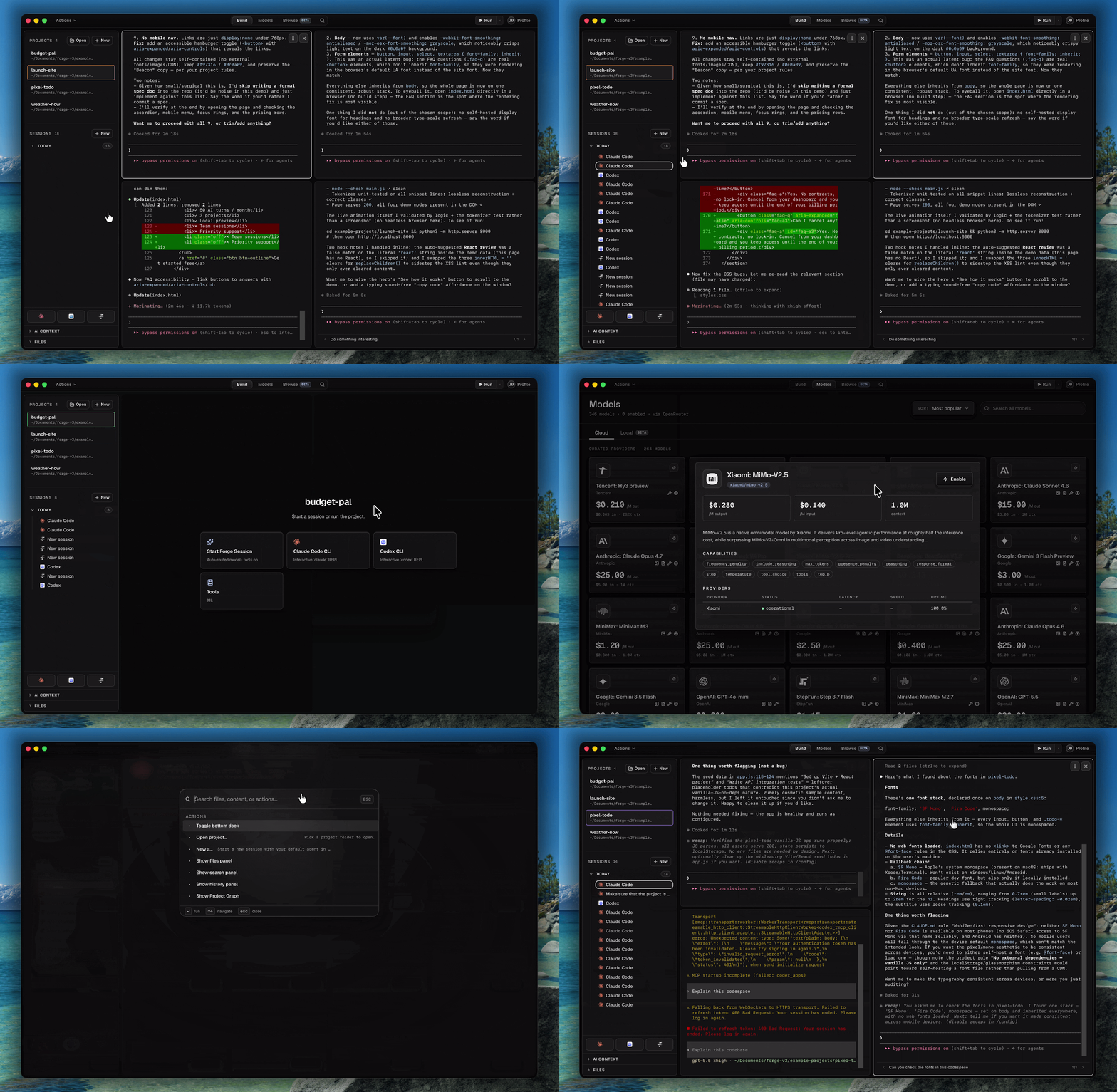
Hit ⌘R and Forge boots your dev server, finds the URL, and loads it in the Live tab. Updates in real time.
300+ models via OpenRouter. Switch per session, or let Forge pick. Bring your own key.
Multiple sessions
Spawn as many Claude Code or Codex sessions as your machine can carry. They run side by side in a resizable grid, fully streamed, never blocked. File-level locks warn the moment two sessions reach for the same file — you direct from above, the agents handle the rest.
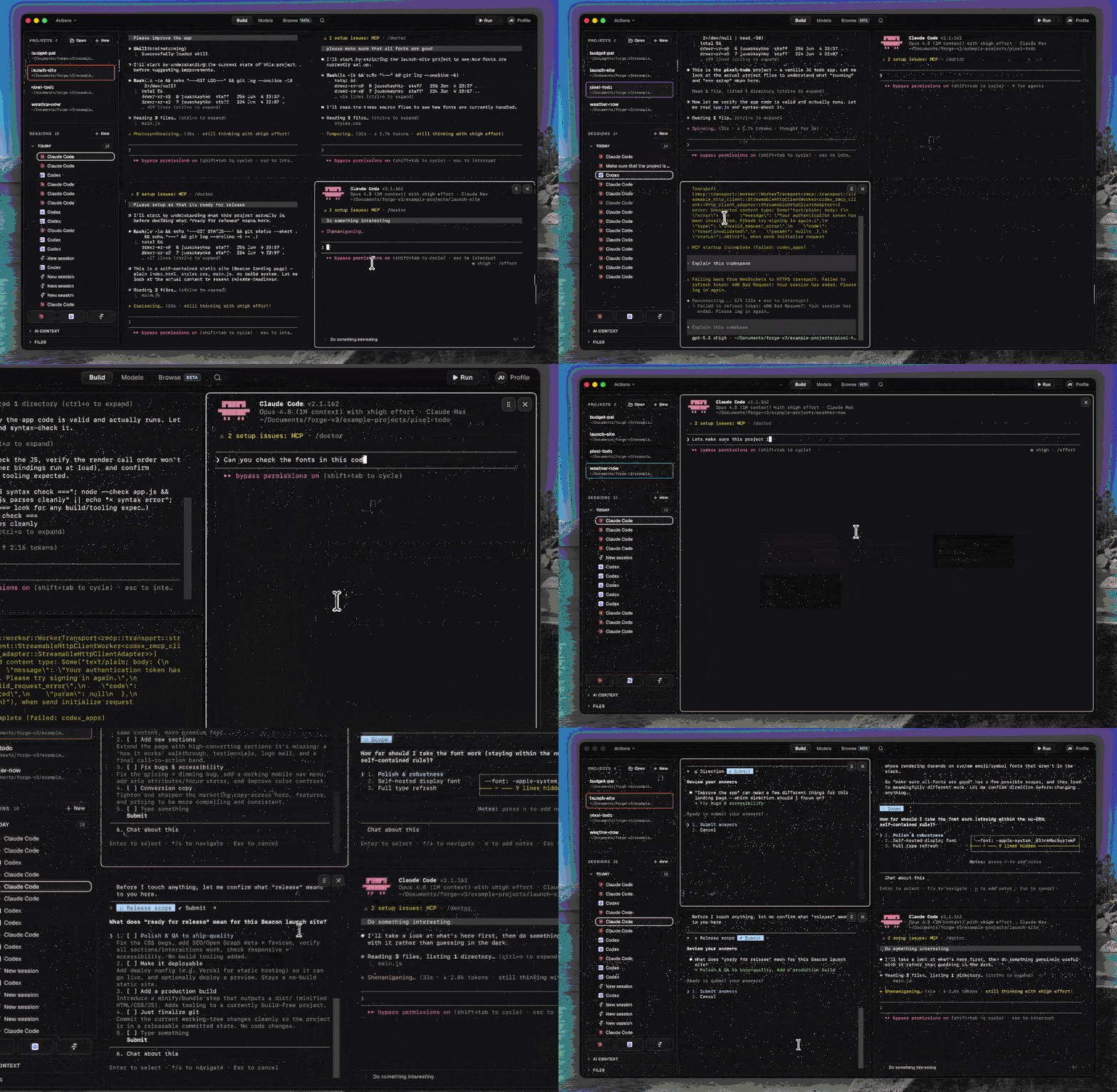
Local models
Run Ollama, LM Studio, or any OpenAI-compatible endpoint directly in Forge. Your code stays on your machine — no API keys, no cloud, no limits.
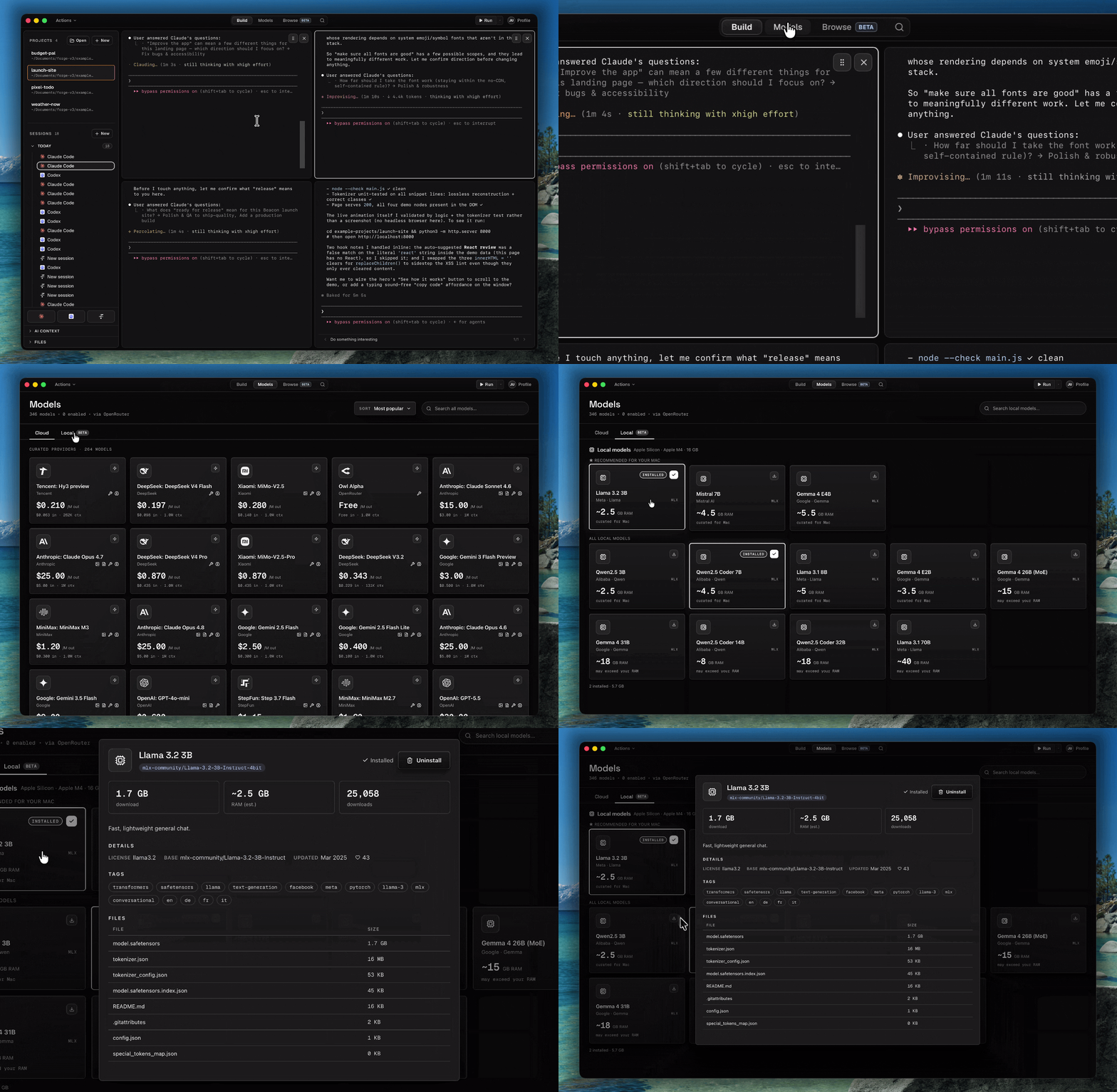
Optimized for builders
New features ship constantly, shaped by what builders actually ask for. Every update puts more in your hands — Forge keeps pace with how fast you build.
FAQ
No. Forge is built for builders, not engineers. You describe what you want and AI handles the rest. Knowing how to code helps, but it's not a requirement.
Forge works with Claude Code, Codex and OpenRouter via Forge's own AI.
It can. Forge has a built-in file viewer, full-text search, and a terminal. But it's designed to sit on top of whatever you already use. You don't have to give anything up to try it.
Yes, but Forge is designed for non-technical builders.
Yes. Forge is free to download and use with your own API keys and subscriptions.
For now, yes — Apple Silicon and Intel. Other platforms are on the roadmap.